The quest for an affordable gaming laptop can feel like navigating a minefield. Too often, “budget-friendly” means sacrificing performance, portability, or both. But we dove deep, testing a range of models under $1,000, and discovered that exceptional gaming experiences *are* within reach. These aren’t just machines that technically “run” games; they deliver genuinely enjoyable gameplay without emptying your bank account.
Finding the right balance is key. Whether you prioritize a stunning display, a lightweight design for gaming on the go, or a generous array of ports to connect all your peripherals, there’s a laptop here to match your needs. The current market is ripe with opportunities, fueled by competitive deals that make powerful hardware surprisingly accessible.
The Acer Nitro V 16 AI consistently rose to the top of our testing. It’s a standout performer, frequently available for around $629, and delivers impressive 1080p gaming. The RTX 5050 GPU surpasses older entry-level cards like the RTX 4050, achieving around 72 frames per second in the demanding Cyberpunk 2077 – a remarkable feat for a budget machine. And surprisingly, it offers solid battery life, lasting eight to twelve hours with typical use.
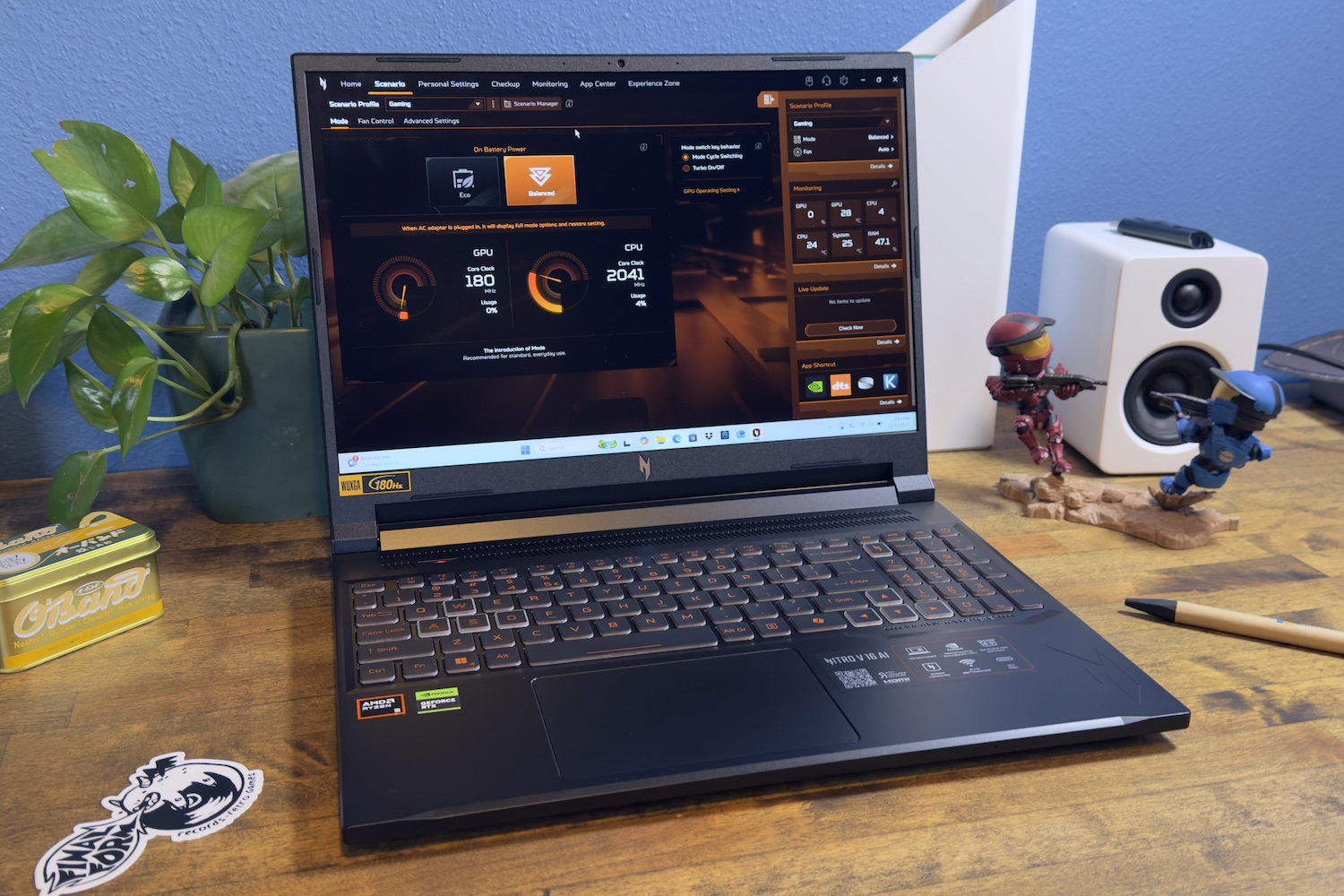
The Nitro V 16 AI boasts a spacious 16-inch, 1920x1200 IPS display, providing extra vertical screen real estate compared to standard 1080p models. Its 180Hz refresh rate ensures fluid visuals in fast-paced action. While the built-in speakers are adequate, a good pair of headphones or external speakers will significantly enhance the audio experience. Despite minor drawbacks, this laptop represents exceptional value.
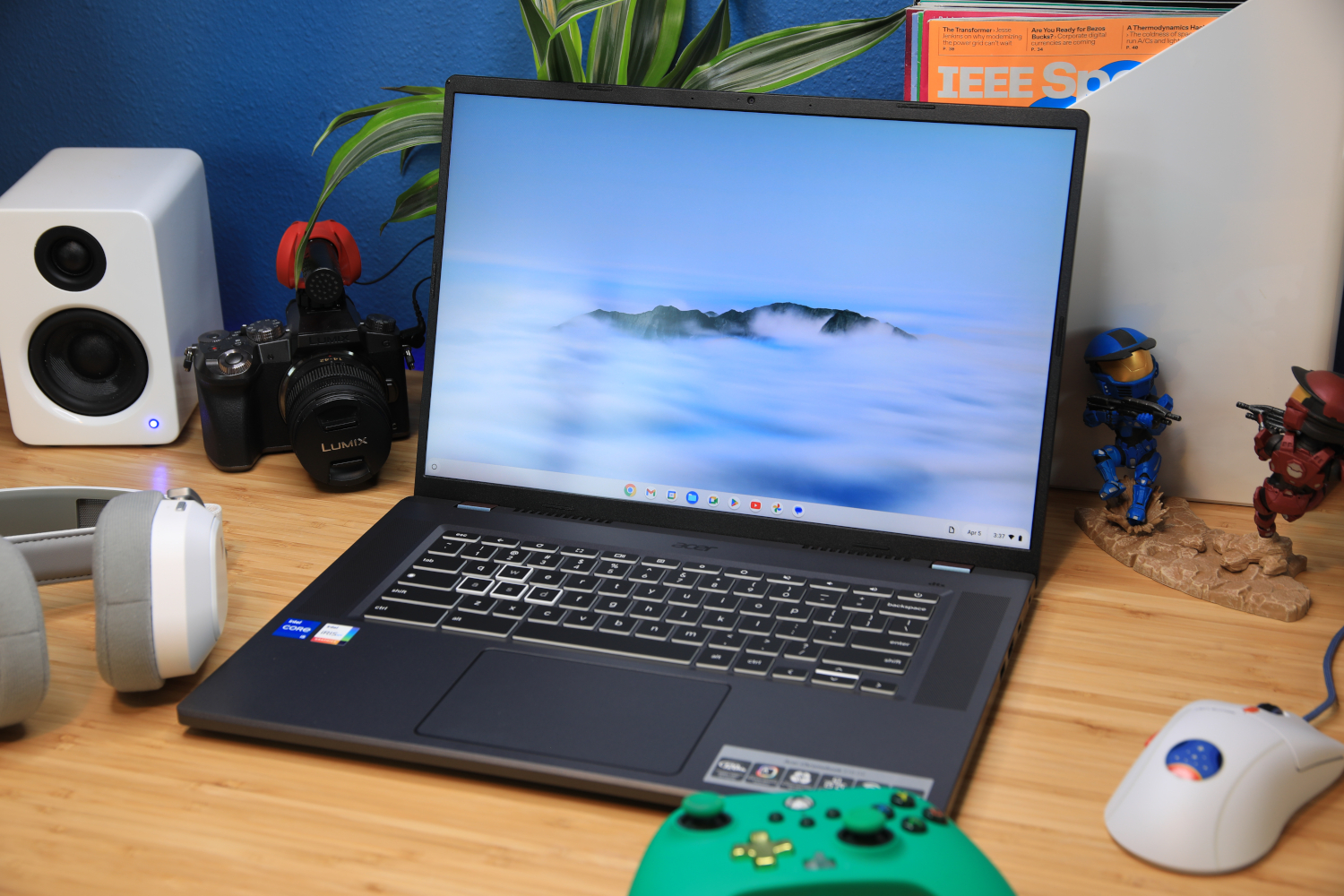
For those embracing the world of cloud gaming – services like Xbox Game Pass or Nvidia GeForce Now – the Acer Chromebook 516 GE is a compelling option. Equipped with an Intel Core i5 processor, 8GB of RAM, and 256GB of SSD storage, it’s perfectly suited for Chrome OS and cloud-based gaming. The 16-inch, 2560x1600 screen is remarkably sharp, and the 120Hz refresh rate keeps gameplay smooth, all for around $650 or less.
The Chromebook 516 GE thrives on a stable internet connection, as it doesn’t run games locally. Battery life is commendable, lasting around 14 hours, though not class-leading. It’s an ideal choice for gamers who want an affordable, versatile machine that excels at cloud gaming and everyday tasks.

Beyond these top picks, the Dell G15 remains a solid contender for budget-conscious gamers. It doesn’t boast all the premium features of higher-end laptops, but it delivers reliable gaming performance. The Nitro V 15 and the Chromebook 516 GE also deserve consideration, but remember that pricing fluctuates, so actively seeking out current deals is crucial.
Our testing process is rigorous. Each laptop undergoes a battery of benchmarks to assess GPU and CPU performance, battery endurance, and overall stability. We push these machines to their limits, comparing results to ensure our recommendations are based on real-world performance. Chromebooks are evaluated using a series of web-based tests tailored to their operating system.
Choosing the right gaming laptop hinges on understanding your gaming preferences. Do you enjoy casual titles like Stardew Valley, or are you tackling graphically intensive games like Cyberpunk 2077? Consider your needs beyond gaming – will this laptop also be used for school or work? A thoughtful approach will maximize your investment.
The graphics card (GPU) is the heart of a gaming laptop, responsible for rendering all the visuals. Since upgrading the GPU is typically impossible, selecting one that meets your needs is paramount. Here’s a quick guide: RTX 4050 is good for 1080p gaming on medium to high settings; RTX 4060 delivers even smoother gameplay on high or ultra; RTX 3060 remains a capable option for 1080p; and the RTX 3070/3070 Ti are exceptional finds if you can locate them within your budget.
The CPU, or processor, acts as the brain of the operation, handling game logic and other tasks. Like the GPU, it’s usually not upgradeable, so choose wisely. Opt for at least an Intel 13th- or 14th-gen Core i5/i7 or an AMD Ryzen 7000 series chip. Newer Ryzen models with RDNA 3 integrated graphics are excellent alternatives if you’re forgoing a dedicated GPU. More cores and threads enhance multitasking and performance in demanding games.
Regarding memory (RAM), 8GB is the absolute minimum, but 16GB is highly recommended and often worth the extra cost. RAM is frequently upgradable, but verify compatibility before purchasing. Storage should be at least a 512GB SSD for fast game loading times and overall system responsiveness. Many laptops allow for future storage expansion.
Most budget gaming laptops feature 1080p displays with refresh rates of 60Hz or 144Hz. A 144Hz refresh rate is preferable for smoother gameplay. If the built-in display lacks vibrancy or brightness, consider an external monitor. Battery life is typically limited to four to six hours, and these laptops tend to be heavier due to their cooling systems.
Frequently Asked Questions:What’s the best gaming laptop under $1,000? Our top pick is the Acer Nitro V 16 AI. What’s the difference between a gaming laptop and a regular laptop? Gaming laptops have more powerful components and better cooling. When is the best time to buy? Look for deals during Black Friday or back-to-school sales. Can Chromebooks handle gaming? They excel at cloud gaming. Can you play games on integrated graphics? Yes, Intel Iris Xe and AMD RDNA 3 can handle some games. What’s the best laptop size? 13-14 inches for portability, 15-17 inches for power.